Accurate Logo Area Detection
Detects corner logos, brand badges, watermark-style marks, and small graphic overlays even when they sit on textured or colorful backgrounds, which helps remove logo from image files more accurately.
Remove logo from image files with an AI workflow designed for brand marks, website logos, app badges, corner stamps, and other graphic overlays that distract from the original visual when teams need to remove logo from image assets quickly.
Drag and drop one image here, or click to upload
JPG, JPEG, PNG, WebP, or AVIF · Up to 50 MiB per file
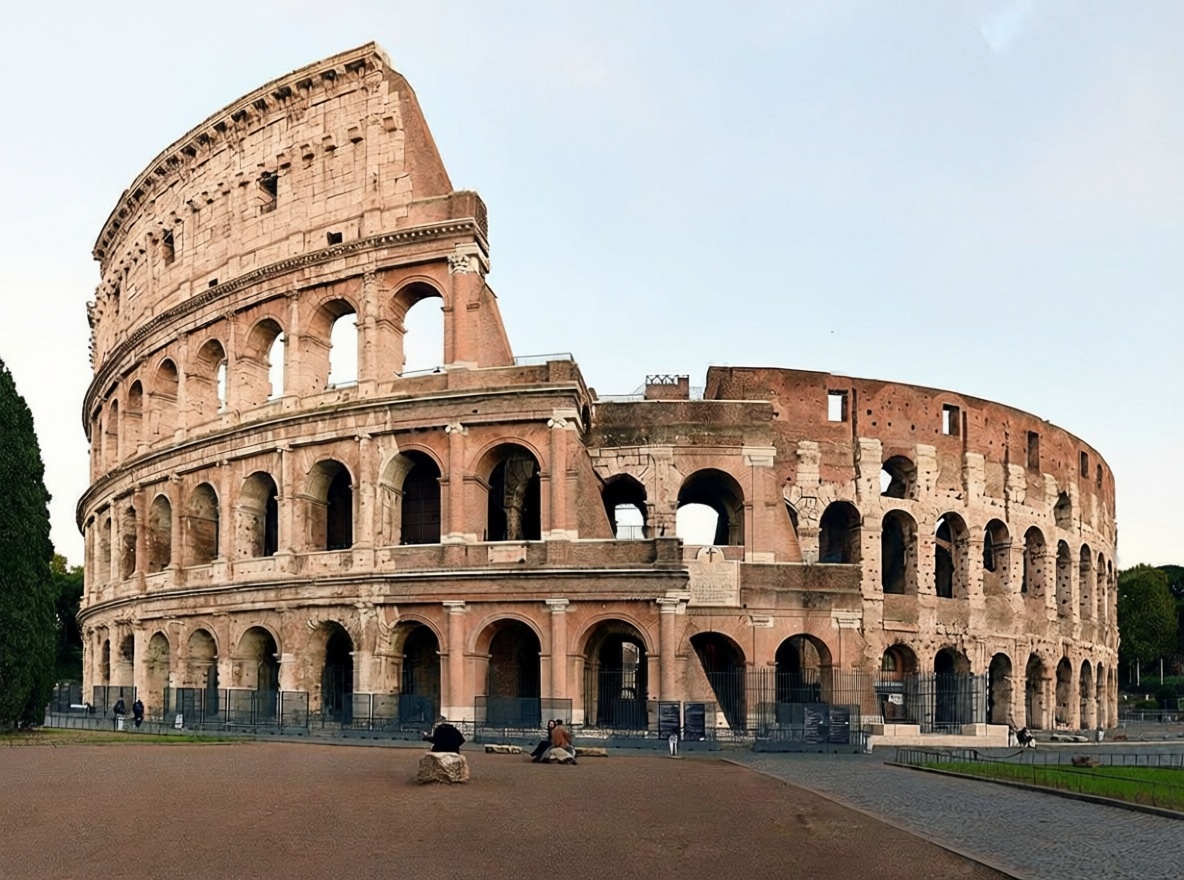
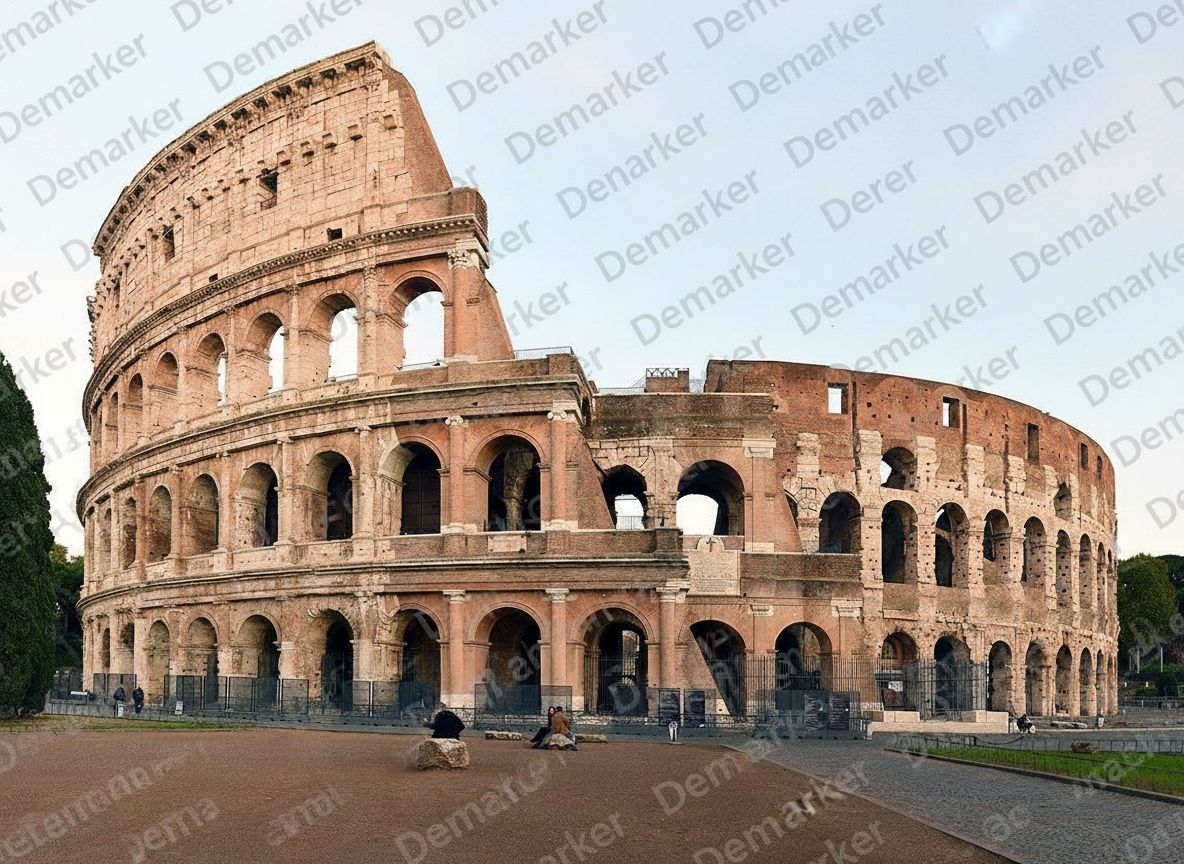
A simple three-step workflow for removing logos, badges, and brand marks from image files while keeping the surrounding background believable in everyday remove logo from image work and repeatable remove logo from image tasks.
Start with the cleanest source you have so the AI can better understand the background, texture, and shapes hidden behind the logo overlay before it begins the remove logo from image process for stronger remove logo from image results.
The model removes the unwanted logo and rebuilds nearby colors, lines, and texture so the edited area blends back into the image instead of looking patched after you remove logo from image content in a typical remove logo from image workflow.
Preview the cleaned area, especially around edges, gradients, or repeated patterns, then save the image once it looks natural and ready to publish for any remove logo from image use case.
This workflow is tuned for graphic marks and branded overlays that need to disappear without leaving obvious blur, smudges, or repair traces in real remove logo from image production and high-volume remove logo from image cleanup.
Detects corner logos, brand badges, watermark-style marks, and small graphic overlays even when they sit on textured or colorful backgrounds, which helps remove logo from image files more accurately.
Fills the cleared logo area by following nearby texture, color transitions, and edges so the result looks cleaner and more consistent after you remove logo from image elements.
Works well for product graphics, screenshots, supplier images, blog assets, ad creatives, and other image files that need a fast remove logo from image workflow and dependable remove logo from image output.
Export polished images for listings, blogs, campaigns, or internal design work without obvious editing marks after you remove logo from image assets.
Flexible pricing options for different needs
For casual creators
Best for regular photo cleanup
Built for power users
These examples reflect the kinds of images teams clean when they need to remove logos without leaving visible repair marks behind in day-to-day remove logo from image work and ongoing remove logo from image production.
Remove brand badges or supplier corner logos from product images while keeping packaging, shadows, and material texture usable for ecommerce remove logo from image projects.


Clear app logos, website marks, or branded corner elements from screenshots and digital assets without breaking gradients or UI shapes during remove logo from image cleanup.


Erase old partner logos or campaign marks so design teams can reuse visuals across new channels, regions, or clients with less manual remove logo from image editing.
When you need to clean logos from image libraries at scale, this workflow helps keep output more consistent.
Explore other Demarker pages built alongside AI Watermark Remover for watermark removal, text cleanup, and fast image polishing across different production needs.
A focused landing page for photo cleanup when you need to remove watermark from photo collections such as portraits, travel shots, product photos, and social visuals.
Built for photo-first timestamp cleanup when you need to erase camera date stamps, time overlays, or corner labels while keeping lighting and texture believable.
Built for text-specific cleanup when you need to erase captions, labels, subtitles, or date stamps while keeping the background believable.
Use the main Demarker workflow to remove logos, text overlays, and common watermarks from everyday images with natural-looking repairs.
Short answers for creators, marketers, ecommerce teams, and anyone who needs a dependable logo cleanup workflow.