Subject-Aware Detection
AI Background Remover finds subjects in product shots, portraits, and flat lays so each selection starts cleaner.
Use AI Background Remover for product photos, portraits, social posts, and creative assets that need a clean subject cutout.
Upload an image to AI Background Remover. It isolates the subject and returns a clean result ready for reuse.
Maximum 1 images allowed
Drag and drop multiple images here, or click to upload
Supports JPG, PNG, WebP, and AVIF, max 50MB per file


A simple AI background remover workflow for clean cutouts without manual selection or design software.
Choose a clear product photo, portrait, or creative image so AI Background Remover can identify the subject more accurately.
AI Background Remover separates foreground from background while preserving hair, fabric, product outlines, and shadows.
Check the AI Background Remover cutout, then download it for listings, profiles, social posts, or design work.
Use AI Background Remover to clean everyday images while keeping subject detail ready for reuse.
AI Background Remover finds subjects in product shots, portraits, and flat lays so each selection starts cleaner.
AI Background Remover keeps outlines, hair, fabric, packaging edges, and small details sharper than a rough crop.
Use AI Background Remover for stores, marketplaces, profile images, presentations, ads, thumbnails, and social content.
Export an AI Background Remover result ready for publishing, compositing, or further editing.
Flexible pricing options for different needs
For casual creators
Best value for anime lovers
Built for power users
See common ways creators and teams use AI Background Remover to prepare cleaner visual assets.
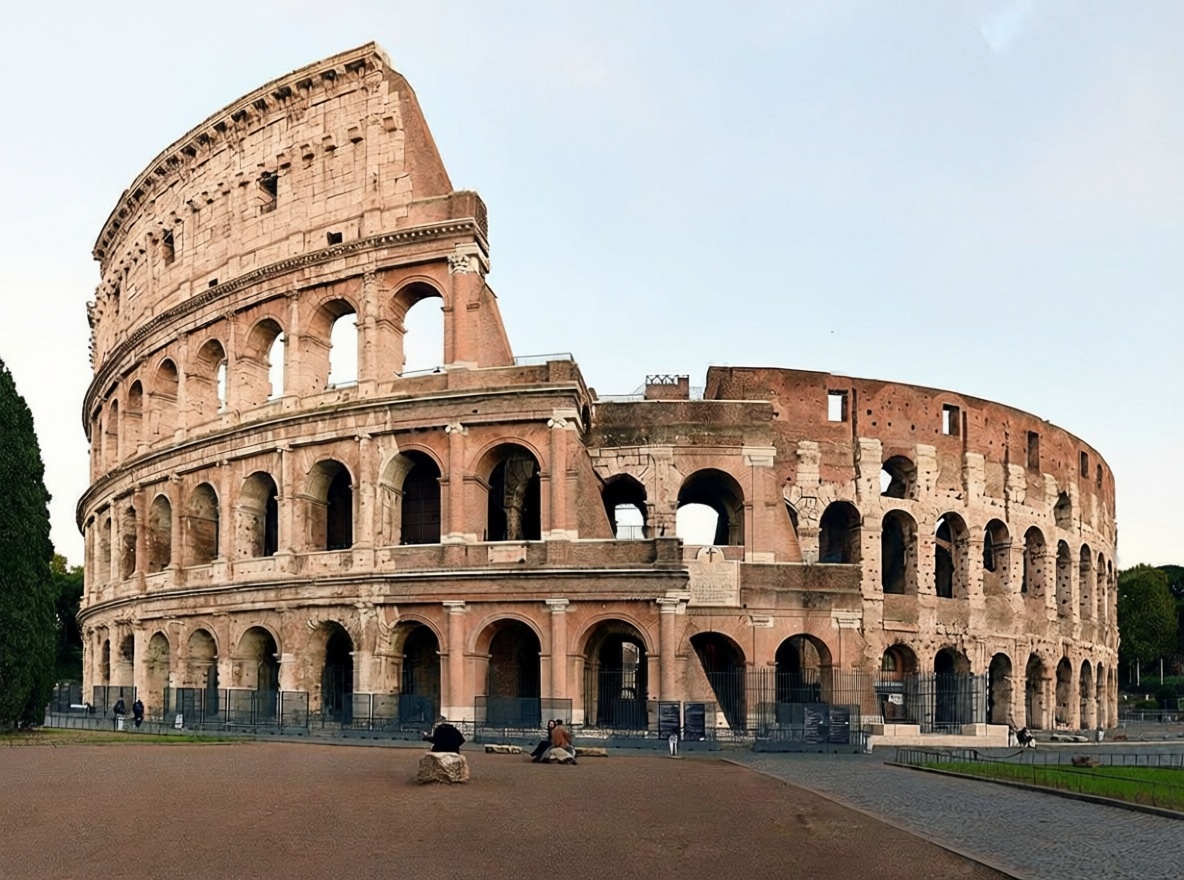
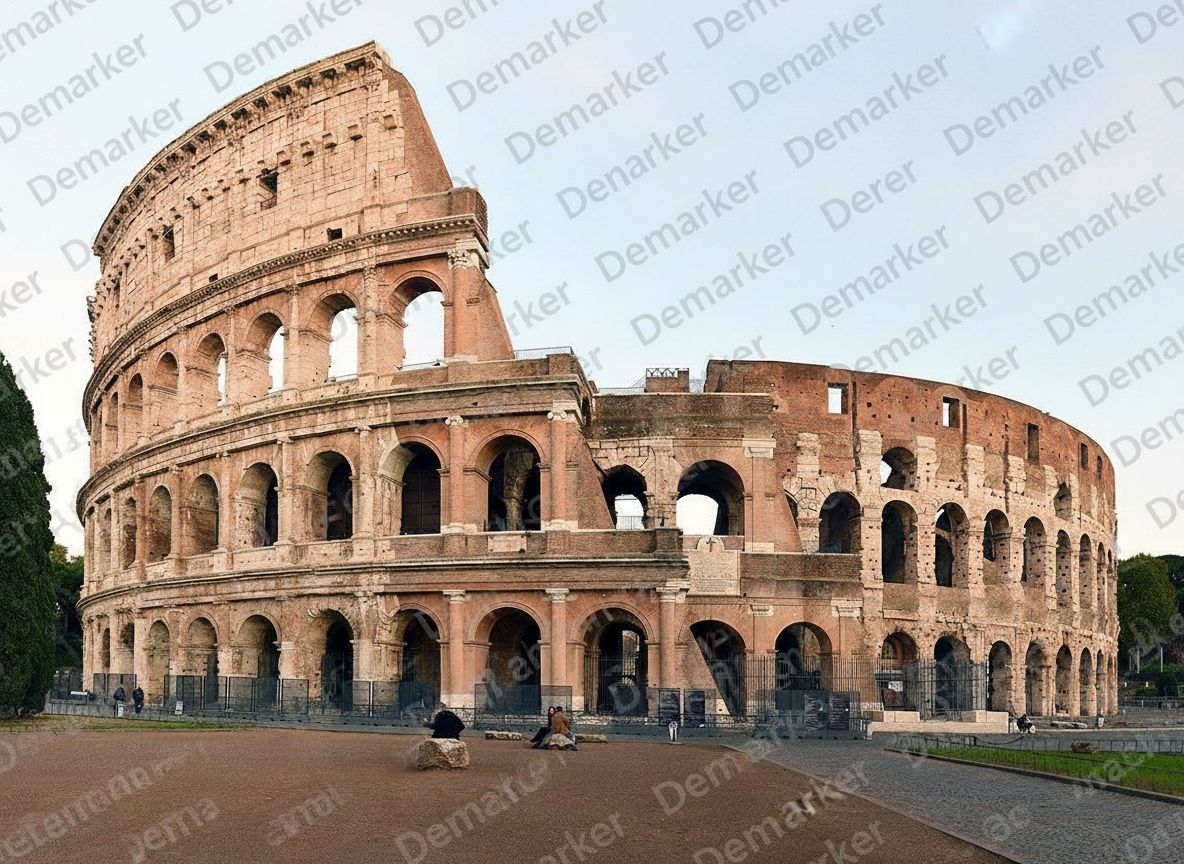
Use AI Background Remover on product photos so items are easier to use in catalogs, marketplaces, and ads.


Create AI Background Remover cutouts for profile photos, team pages, thumbnails, and presentation visuals.


Prepare AI Background Remover images for posts, banners, collages, stickers, and quick creative layouts.
AI background remover helps teams turn everyday images into flexible assets with AI Background Remover for publishing and design.
Explore other Demarker pages built alongside AI Watermark Remover for watermark removal, text cleanup, and fast image polishing across different production needs.
Use the main Demarker workflow to remove logos, text overlays, and common watermarks from everyday images with natural-looking repairs.
A focused landing page for photo cleanup when you need to remove watermark from photo collections such as portraits, travel shots, product photos, and social visuals.
Best for general image cleanup workflows where you want to erase watermarks from graphics, product assets, screenshots, or digital creatives.
Built for photo-first logo cleanup when you need to erase supplier badges, corner marks, or branded overlays while keeping lighting and texture believable.
Built for brand-mark cleanup when you need to erase corner logos, app badges, or graphic overlays while keeping the background believable.
Mark unwanted people and reconstruct the hidden background with a focused AI removal workflow.
Erase unwanted people from image assets and rebuild the covered background with AI.
Built for photo-first timestamp cleanup when you need to erase camera date stamps, time overlays, or corner labels while keeping lighting and texture believable.
Built for image-first timestamp cleanup when you need to erase date stamps, time overlays, or corner labels while keeping the background believable.
Built for photo-first cleanup when you need to erase captions, date stamps, labels, or other text overlays while keeping lighting and texture believable.
Built for text-specific cleanup when you need to erase captions, labels, subtitles, or date stamps while keeping the background believable.
Remove unwanted objects from photos with AI while keeping backgrounds, lighting, and surrounding detail natural.
Answers for creators, sellers, and teams that need AI Background Remover online.
AI Background Remover removes the visible background and keeps the main subject for ecommerce, design, or social content with AI Background Remover.
AI Background Remover supports JPG, PNG, WebP, and AVIF images. Use the clearest high-resolution source available.
Yes. AI Background Remover is useful for product photos, marketplace listings, catalog images, ads, and cleaner subject assets.
Yes. AI Background Remover works well when portrait subjects are clear, especially around hair and clothing edges.
Yes. AI Background Remover batch processing is available by plan, so you can process several images in one workflow.
The AI Background Remover model returns a background-free image for editing or publishing. Preview it before downloading.
For better AI Background Remover results, use sharp images, clear subjects, and original files instead of compressed screenshots.
Use AI Background Remover only on images you own or can edit. Commercial use depends on your image rights.