Select to Remove Person from Photo
Mark one target to remove person from photo precisely, even when several people share the scene.
Clean up travel shots, portraits, event photos, and property images by removing unwanted people without labor-intensive retouching.
Upload one image, mark the target, and remove person from photo with Bria Eraser.
Maximum 1 images allowed
Drag and drop multiple images here, or click to upload
Supports JPG, PNG, WebP, and AVIF, max 50MB per file
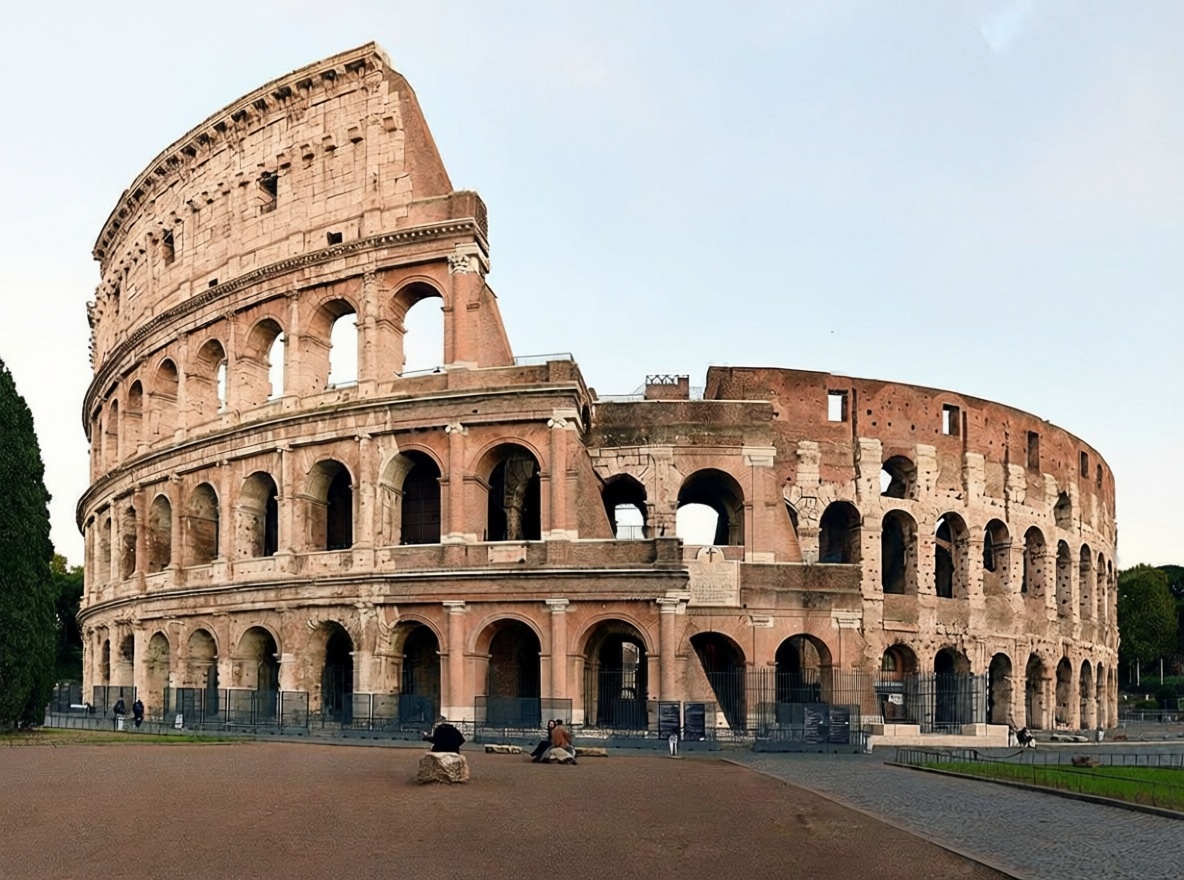
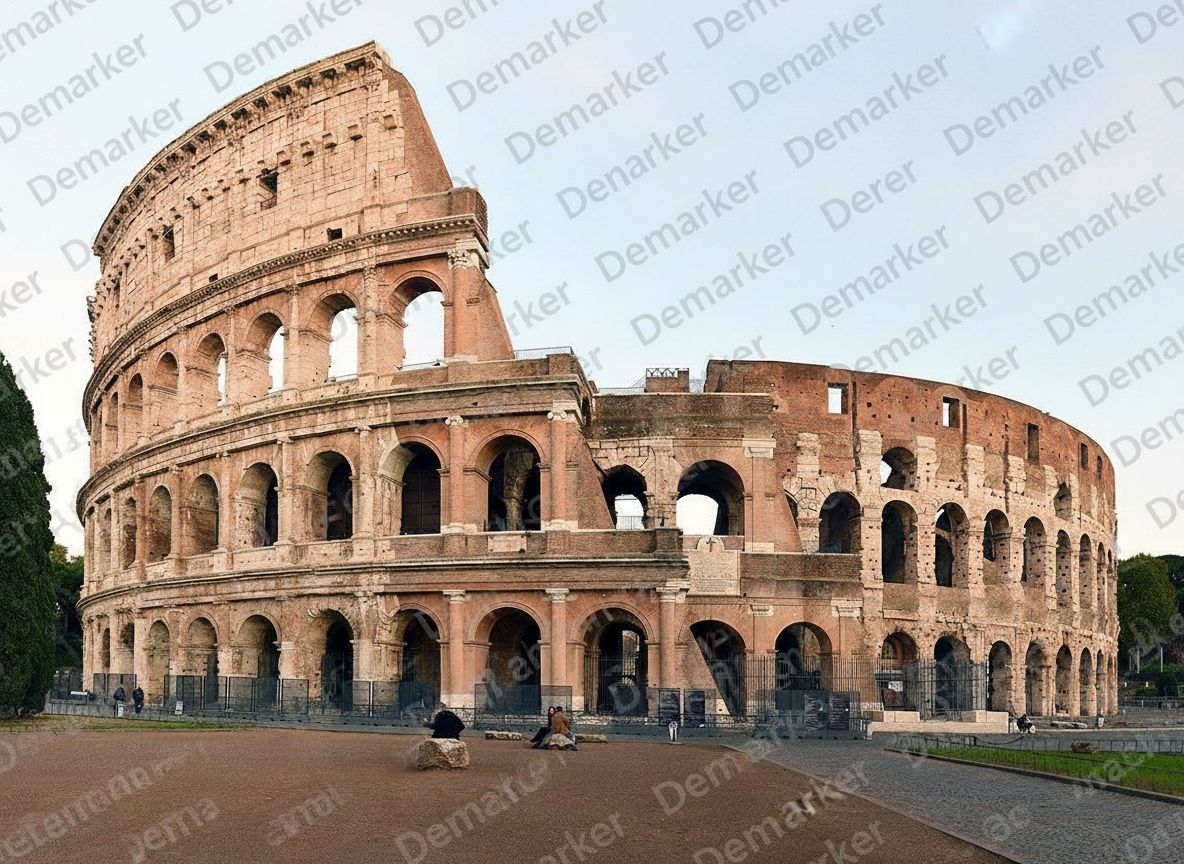
A controlled remove person from photo workflow makes the target clear while keeping the rest of the image unchanged.
Choose a clear JPG, PNG, WebP, or AVIF file. A high-resolution source helps remove person from photo while preserving background detail.
Use the brush or rectangle to remove person from photo accurately. Cover the complete figure, including loose hair, shadows, and accessories.
Bria Eraser helps remove person from photo and fills the selection using nearby context. Review the result, then download it.
This mask-based remove person from photo workflow avoids guesswork and keeps editing focused on your selected area.
Mark one target to remove person from photo precisely, even when several people share the scene.
Bria Eraser can remove person from photo while using nearby textures, colors, and structures to rebuild the space.
Use remove person from photo for photobombers, tourists, passersby, former team members, or distracting figures in commercial images.
When you remove person from photo, the unmasked area stays intact to preserve faces, objects, lighting, and composition.
Flexible pricing options for different needs
For casual creators
Best value for anime lovers
Built for power users
Remove person from photo when an unwanted figure distracts from the subject or weakens the intended composition.
Use remove person from photo for tourists or passersby at landmarks, streets, beaches, and scenic viewpoints.
Remove person from photo to clear rooms, storefronts, venues, and listing images for an unobstructed view.
Choose remove person from photo for photobombers or distracting figures while keeping the main subject unchanged.
Remove person from photo works best when enough visible background surrounds the selected figure.
Explore other Demarker pages built alongside AI Watermark Remover for watermark removal, text cleanup, and fast image polishing across different production needs.
Use the main Demarker workflow to remove logos, text overlays, and common watermarks from everyday images with natural-looking repairs.
A focused landing page for photo cleanup when you need to remove watermark from photo collections such as portraits, travel shots, product photos, and social visuals.
Best for general image cleanup workflows where you want to erase watermarks from graphics, product assets, screenshots, or digital creatives.
Built for photo-first logo cleanup when you need to erase supplier badges, corner marks, or branded overlays while keeping lighting and texture believable.
Built for brand-mark cleanup when you need to erase corner logos, app badges, or graphic overlays while keeping the background believable.
Erase unwanted people from image assets and rebuild the covered background with AI.
Built for photo-first timestamp cleanup when you need to erase camera date stamps, time overlays, or corner labels while keeping lighting and texture believable.
Built for image-first timestamp cleanup when you need to erase date stamps, time overlays, or corner labels while keeping the background believable.
Built for photo-first cleanup when you need to erase captions, date stamps, labels, or other text overlays while keeping lighting and texture believable.
Built for text-specific cleanup when you need to erase captions, labels, subtitles, or date stamps while keeping the background believable.
Remove image backgrounds online with AI and create clean product photos, portraits, stickers, and transparent PNG assets faster.
Remove unwanted objects from photos with AI while keeping backgrounds, lighting, and surrounding detail natural.
Practical answers about selection, background reconstruction, image quality, and responsible use.
Mark the target to remove person from photo. Bria Eraser reconstructs the selection from nearby visual information.
Yes. Brush and rectangle tools let you remove person from photo accurately, especially in group scenes.
Yes. Mark each target to remove person from photo. Large selections are harder with limited background.
Remove person from photo works best with clear surrounding backgrounds. Simple textures and repeated scenery are easier to reconstruct.
The remove person from photo model focuses on the mask. Review unselected people and objects afterward.
For remove person from photo, a small margin captures hair, clothing edges, shadows, and remaining outlines.
Upload JPG, PNG, WebP, or AVIF files to remove person from photo.
When using remove person from photo commercially, you remain responsible for image rights, privacy, consent, and applicable rules.