AI Object Remover Cleanup
AI Object Remover uses your marked area to target only the selected object instead of changing the whole image.
Use AI Object Remover to clean product photos, travel shots, portraits, and social images by removing unwanted objects with a guided mask.
Drag and drop up to 1 image here, or click to upload
Supports JPG, JPEG, PNG, WebP, and AVIF. Up to 50 MiB per file.


A focused AI Object Remover workflow for cleaning photos without manual retouching software.
Choose a clear image with the unwanted object visible so AI Object Remover can work from enough surrounding detail.
Brush or box the object you want removed. The AI Object Remover mask tells the model exactly which area to replace.
Check the AI Object Remover result, then download it for ecommerce, social posts, presentations, or design work.
AI Object Remover removes distracting objects while keeping the rest of the image useful for publishing and design.
AI Object Remover uses your marked area to target only the selected object instead of changing the whole image.
AI Object Remover rebuilds nearby texture, color, and lighting so the cleaned area blends with the scene.
Use AI Object Remover for product shots, travel photos, real estate images, portraits, social posts, and creative assets.
Export the AI Object Remover result for listings, campaigns, thumbnails, presentations, or further editing.
Flexible pricing options for different needs
For casual creators
Best for regular photo cleanup
Built for power users
See practical ways teams use AI Object Remover to clean visual assets for everyday production.
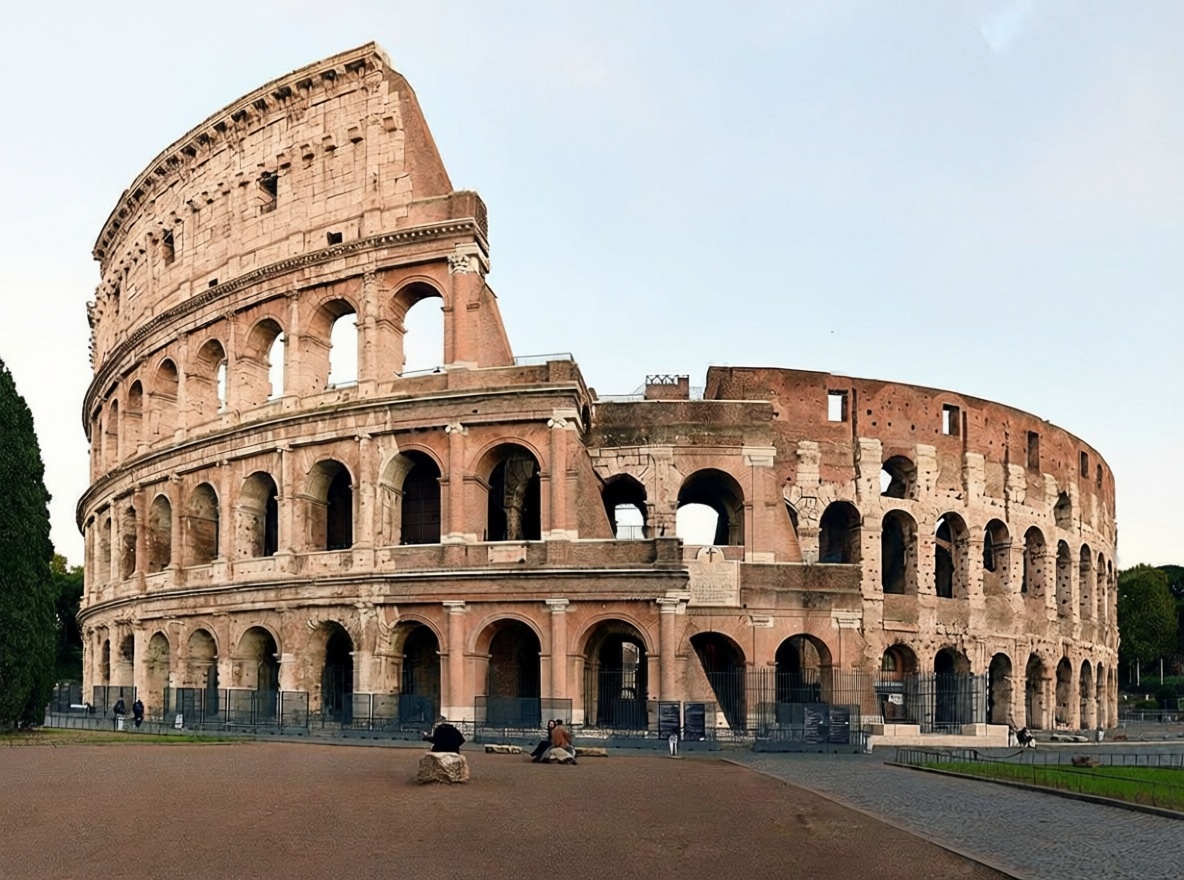
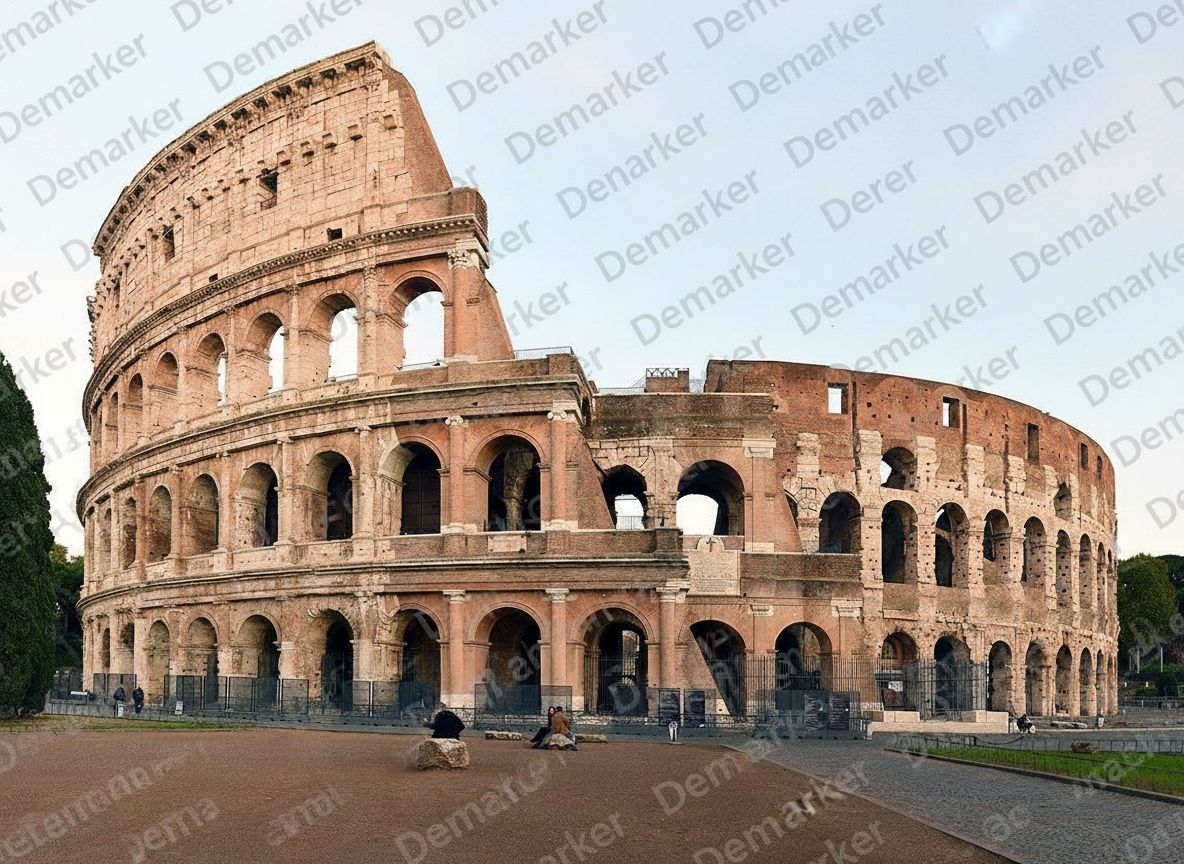
Use AI Object Remover to remove props, labels, clutter, or distracting items while keeping the main product clear.


Use AI Object Remover to clean signs, bags, small objects, or background distractions from personal and campaign images.


Prepare AI Object Remover images for posts, ads, banners, thumbnails, and presentations without slow manual retouching.
AI Object Remover helps turn busy images into cleaner, reusable assets while keeping the surrounding scene believable.
Explore other Demarker pages built alongside AI Watermark Remover for watermark removal, text cleanup, and fast image polishing across different production needs.
Use the main Demarker workflow to remove logos, text overlays, and common watermarks from everyday images with natural-looking repairs.
A focused landing page for photo cleanup when you need to remove watermark from photo collections such as portraits, travel shots, product photos, and social visuals.
Built for brand-mark cleanup when you need to erase corner logos, app badges, or graphic overlays while keeping the background believable.
Mark unwanted people and reconstruct the hidden background with a focused AI removal workflow.
Built for photo-first timestamp cleanup when you need to erase camera date stamps, time overlays, or corner labels while keeping lighting and texture believable.
Built for text-specific cleanup when you need to erase captions, labels, subtitles, or date stamps while keeping the background believable.
Remove image backgrounds online with AI and create clean product photos, portraits, stickers, and transparent PNG assets faster.
Answers for creators, sellers, and teams using AI Object Remover to clean photos online.