Accurate Overlay Detection
Detects captions, labels, subtitles, date stamps, and other added words on photos even when they sit across textured or uneven backgrounds, helping remove text from photo content more accurately.
Remove text from photo files with an AI workflow made for real photos, including portraits, travel shots, product photos, and social images with captions, date stamps, labels, or other unwanted wording in daily cleanup tasks.
Upload one photo, let AI remove the text overlay, preview the cleaned result, and download it. This remove text from photo workflow is designed for fast photo cleanup that still looks natural when you need to remove text from photo assets quickly.
Maximum 1 images allowed
Drag and drop multiple images here, or click to upload
Supports JPG, PNG, WebP, and AVIF, max 50MB per file
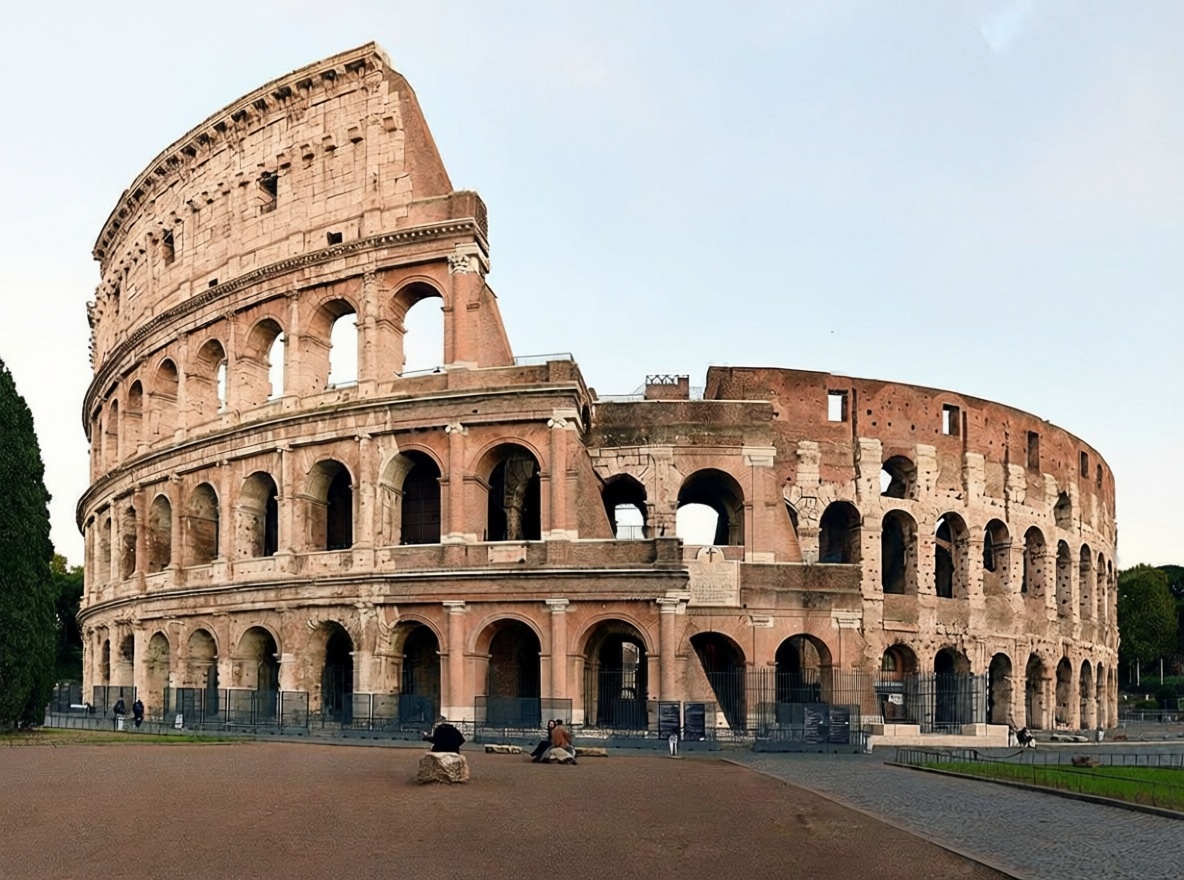
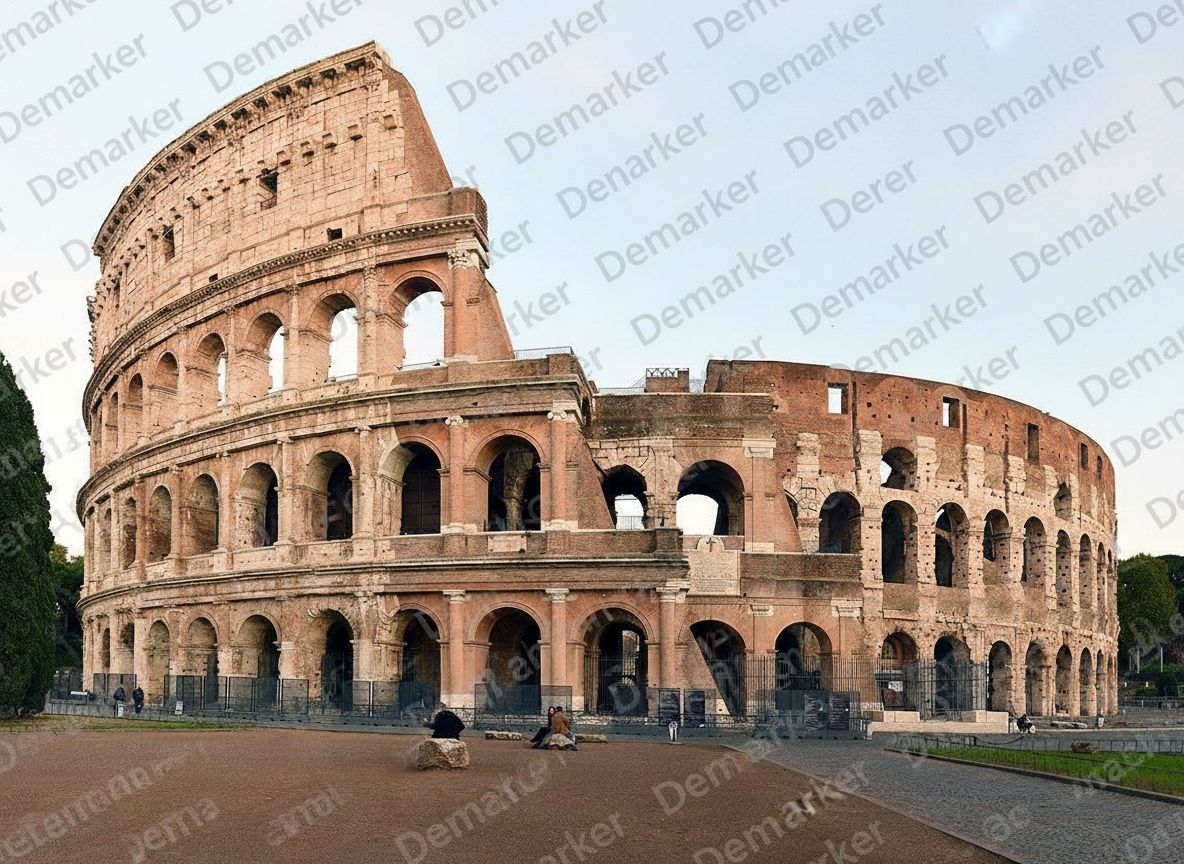
A practical three-step remove text from photo workflow for captions, timestamps, labels, poster text, and other overlays that sit on top of real photographic detail when you need to remove text from photo assets consistently.
Start with the clearest photo you have so the AI can better understand skin, lighting, texture, and the background underneath the unwanted text before it starts cleanup.
The model removes the unwanted words and reconstructs nearby surfaces, colors, and fine details so the edited zone blends back into the surrounding photo naturally after you remove text from photo overlays.
Check the cleaned area at full size, especially around faces, edges, sky gradients, or repeated textures, then save the final photo once it looks ready to use for any remove text from photo project or client-facing remove text from photo request.
This workflow is tuned for photographic images where text overlays need to disappear without making skin, lighting, or texture look obviously repaired during remove text from photo editing, especially in high-volume remove text from photo workflows.
Detects captions, labels, subtitles, date stamps, and other added words on photos even when they sit across textured or uneven backgrounds, helping remove text from photo content more accurately.
Rebuilds cleared areas by following nearby light, grain, texture, and color transitions so the edit stays believable on real photographic surfaces after you remove text from photo elements in professional remove text from photo work.
Works well for portraits, travel photos, product shots, food photography, social media images, and archived photo assets that need fast cleanup across larger photo libraries.
Export high-quality outputs for listings, blogs, campaigns, or client delivery without obvious blur, patch marks, or low-resolution artifacts after you remove text from photo files.
Flexible pricing options for different needs
For casual creators
Best value for anime lovers
Built for power users
These examples reflect the kinds of real photos people clean when they need to remove text from photo files without leaving obvious repair marks behind, especially in repeatable remove text from photo scenarios.
Remove timestamps, camera date labels, or location text from travel and personal photos while keeping skies, skin, and landscapes natural when you remove text from photo memories.


Clear supplier labels, sale copy, or promotional text from product photos while preserving edges, materials, and shadows for ecommerce reuse when teams remove text from photo assets in recurring remove text from photo workflows.


Erase old slogans, captions, or overlaid words from social content so teams can reuse photo assets across new campaigns and channels after they remove text from photo creatives in ongoing remove text from photo production.
When teams need to remove text from photo libraries at scale, this workflow helps keep results clean and consistent across ongoing remove text from photo production.
Explore other Demarker pages built alongside AI Watermark Remover for watermark removal, text cleanup, and fast image polishing across different production needs.
Use the main Demarker workflow to remove logos, text overlays, and common watermarks from everyday images with natural-looking repairs.
A focused landing page for photo cleanup when you need to remove watermark from photo collections such as portraits, travel shots, product photos, and social visuals.
Best for general image cleanup workflows where you want to erase watermarks from graphics, product assets, screenshots, or digital creatives.
Built for photo-first logo cleanup when you need to erase supplier badges, corner marks, or branded overlays while keeping lighting and texture believable.
Built for brand-mark cleanup when you need to erase corner logos, app badges, or graphic overlays while keeping the background believable.
Mark unwanted people and reconstruct the hidden background with a focused AI removal workflow.
Erase unwanted people from image assets and rebuild the covered background with AI.
Built for photo-first timestamp cleanup when you need to erase camera date stamps, time overlays, or corner labels while keeping lighting and texture believable.
Built for image-first timestamp cleanup when you need to erase date stamps, time overlays, or corner labels while keeping the background believable.
Built for text-specific cleanup when you need to erase captions, labels, subtitles, or date stamps while keeping the background believable.
Remove image backgrounds online with AI and create clean product photos, portraits, stickers, and transparent PNG assets faster.
Remove unwanted objects from photos with AI while keeping backgrounds, lighting, and surrounding detail natural.
Short answers for creators, marketers, ecommerce teams, and anyone who needs to remove text from photo content on a regular basis.
It works well for captions, date stamps, labels, subtitles, sale banners, and other added words placed over a photo when you need to remove text from photo content cleanly.
Usually yes. The system rebuilds the cleared area based on nearby light, texture, and color so the edit looks more natural than basic patch tools when you remove text from photo areas.
Yes. Teams often remove temporary labels, supplier text, or promotional overlays from product photos before publishing cleaner visuals, and this makes the workflow easier to standardize.
Portraits, travel photos, product shots, food photography, social images, and general lifestyle photos usually work well when the source file is reasonably clear and you want to remove text from photo details cleanly.
Yes. It is a practical option for travel photos, screenshots, and social images with timestamps, captions, or extra text overlays when you need to remove text from photo content quickly.
Upload the highest-quality original you have, avoid repeatedly compressed files, and zoom in before publishing to inspect edges, texture, and color transitions after you remove text from photo content, especially for detailed remove text from photo reviews.
Yes. The workflow is simple to repeat across many assets, which makes it useful for campaigns, content refreshes, ecommerce operations, and client delivery when teams need reliable remove text from photo execution.
The main difference is consistency on real photographic detail. Simple tools often leave visible blur or patch marks, while this workflow is designed for production-ready photo cleanup and more reliable remove text from photo results.